Turn a product photo into a video ad
Upload your product photo — or paste the product link and jornr pulls the photos off the page — and the ad gets built around it, the same product in every shot. Review the storyboard and the exact price before a single frame renders.
- Your own photo, used as the reference in every shot
- Or paste a product link — jornr pulls the photos for you
- See the plan and the price before you pay
- Never charged for a failed render
 The product, front and centre
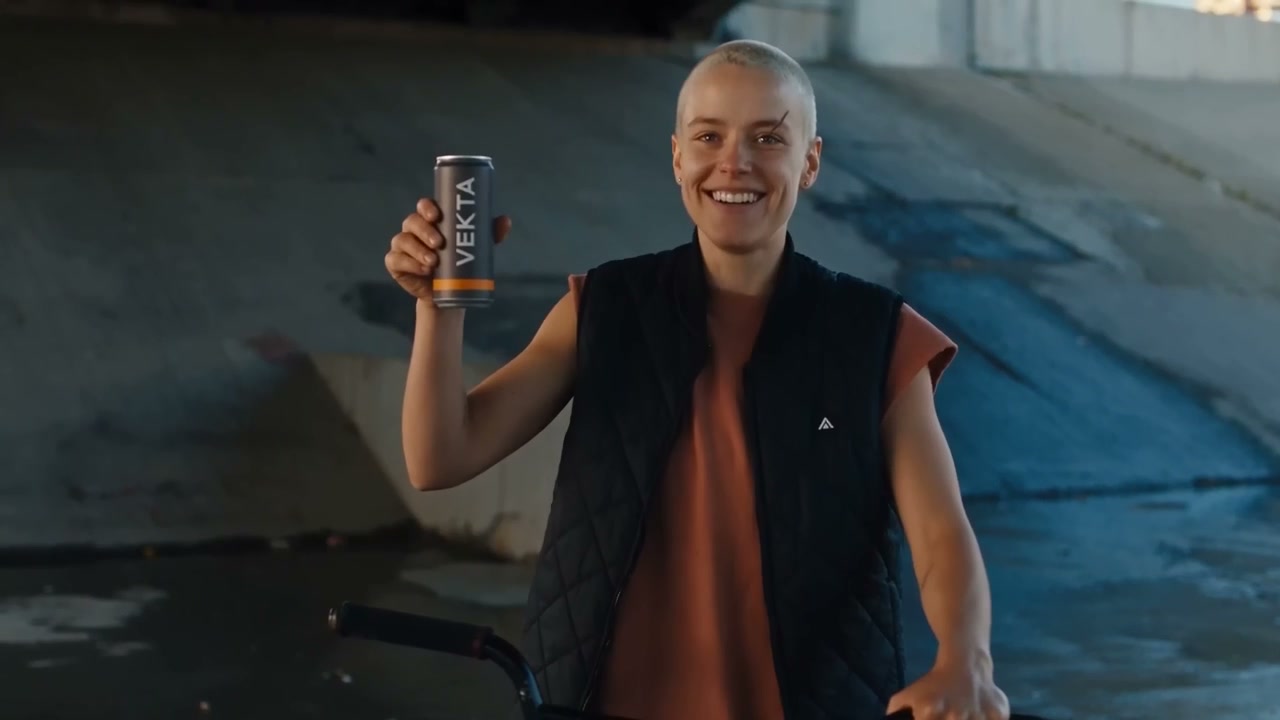 In someone’s hand
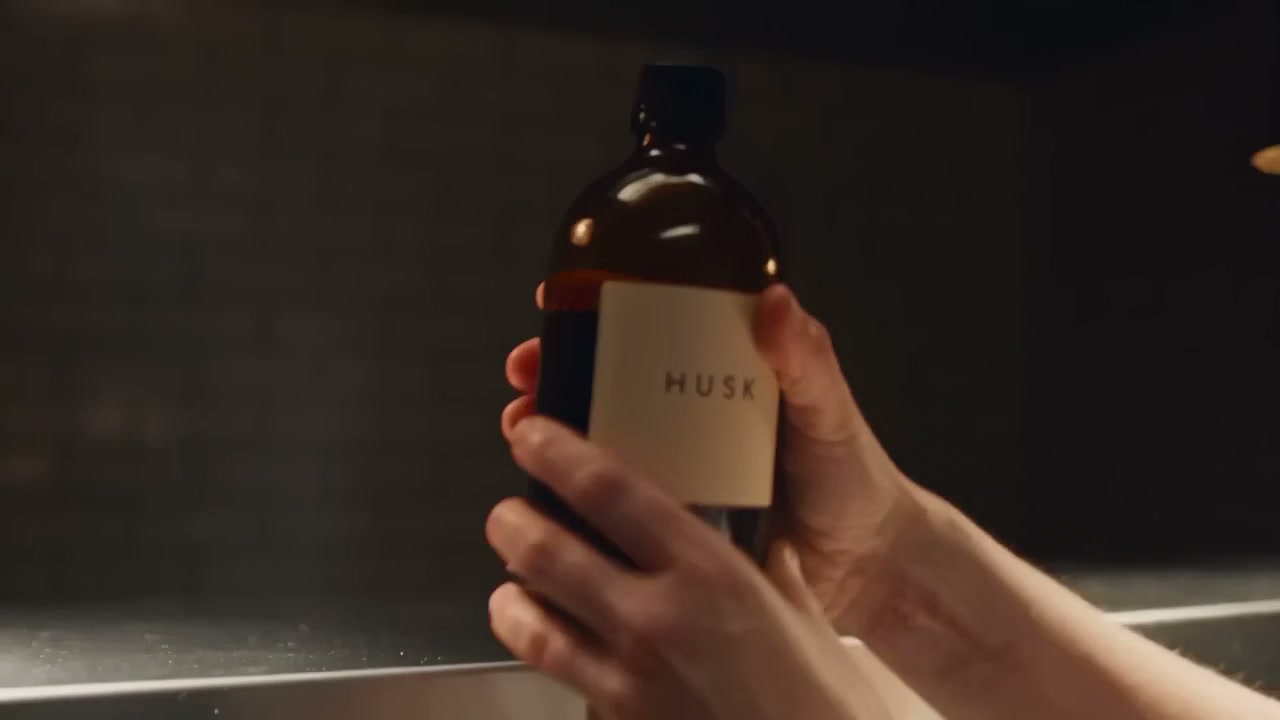 Same bottle, next shot
 Studio light, no studio
how it works
One sentence to a finished video — reviewed and priced before anything renders.
Describe it in a sentence
Tell plotr what you’re selling and the vibe. Add your logo or product photo if you have one.
Review the plan — before you pay
You get a shot-by-shot storyboard with the exact cost up front. Tweak it in plain English. Nothing renders until you say go.
Render, caption, download
Every shot animates and stitches into a finished video with on-brand captions burned in. You’re never charged for anything that fails.
what you can make
 Macro on the label
 Cut vertical for social
Turn a photo into an ad
One sentence in, a finished video out — and you approve every shot and the exact price before a single frame renders.
Turn a photo into an adStart on the free plan — 100 credits to try it.
More AI video tools